How to improve social app retention
Social and community apps lose most new users in the first session, usually because nobody they know is there or nothing happens when they post. How to tell which problem you have, fill the room, and get every new person a connection on day one.
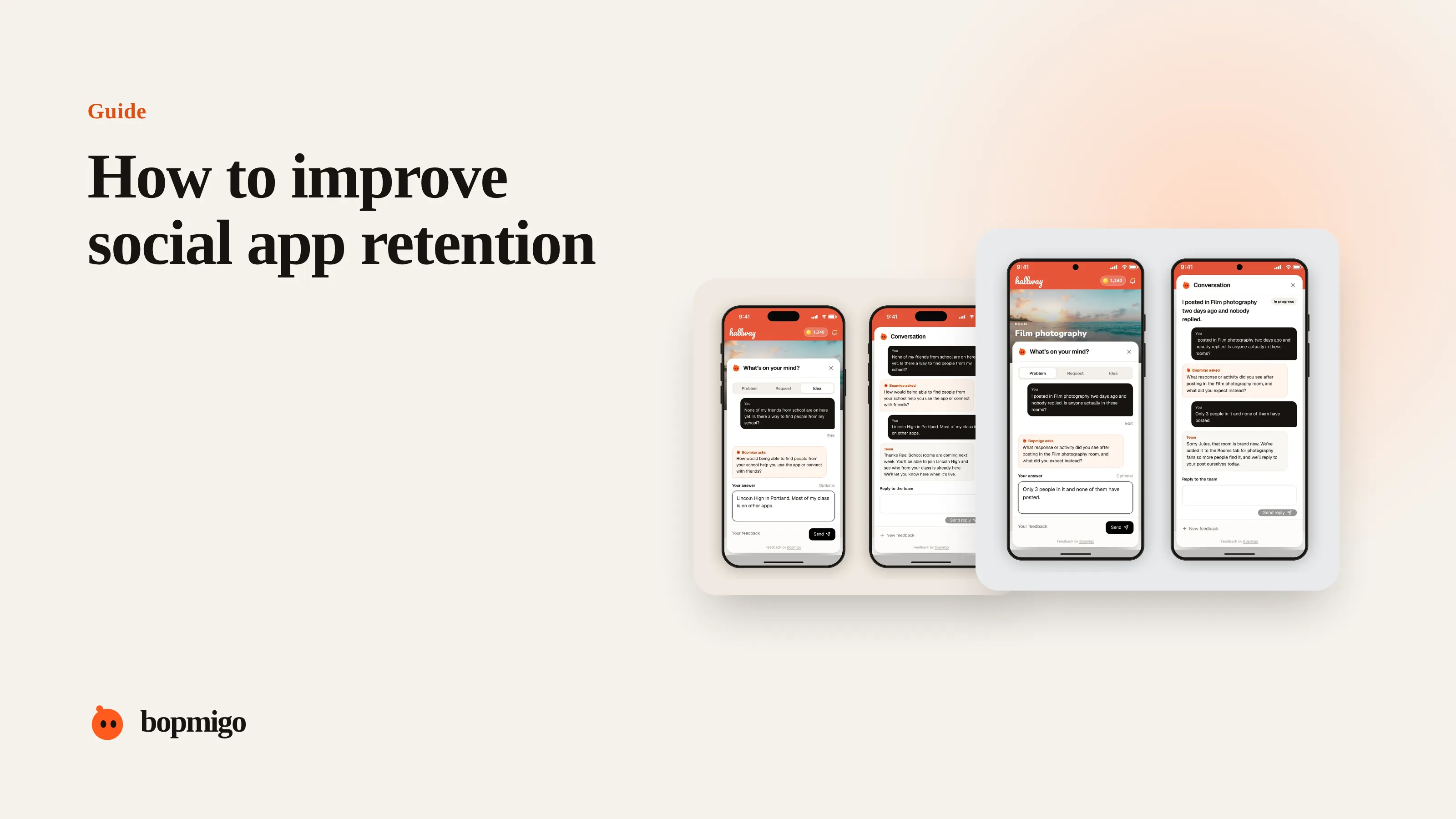
Short answer: people stay in a social app when they have someone to talk to in their first session. If their friends aren’t there and nothing they post gets a response, the app feels empty and they leave, however good the features are. Work out whether new users leave because the room is empty or because they couldn’t work out what to do, then fix that first. Concentrate people in a few places, help them bring friends, and make sure every first post gets a reply.
Why social apps lose people faster
A note-taking app is useful on its own. A social app is only as useful as the people in it. A new user who opens the app, sees strangers, posts once and hears nothing has had a complete experience: it felt empty. That is why sign-ups can come easily, from a launch, a viral post or word of mouth, while daily use stays low. Founders of young community apps often describe the same pattern: plenty of people arrive, few find a reason to stay. Getting people in isn’t the problem. The first session is.
Three reasons people leave, and how to tell them apart
| Reason | What you see | What they say | Main fix |
|---|---|---|---|
| Nobody they know is here | No follows or friend adds in session one | “None of my friends use it” | Invites and contact matching in session one |
| Nothing happened when they posted | A first post with no reply or reaction | “It’s dead”, “no one’s on here” | Make sure first posts get a response |
| They couldn’t work out what to do | Lots of taps, no post, no follow | “I don’t get it”, “how do I…” | A clearer first screen and one obvious first step |
Each needs a different fix, so guessing wastes weeks. Split new users by what they did in their first session, and ask a sample of them directly. A short question inside the app, such as “What were you hoping to do here?”, sorts people into these groups quickly.
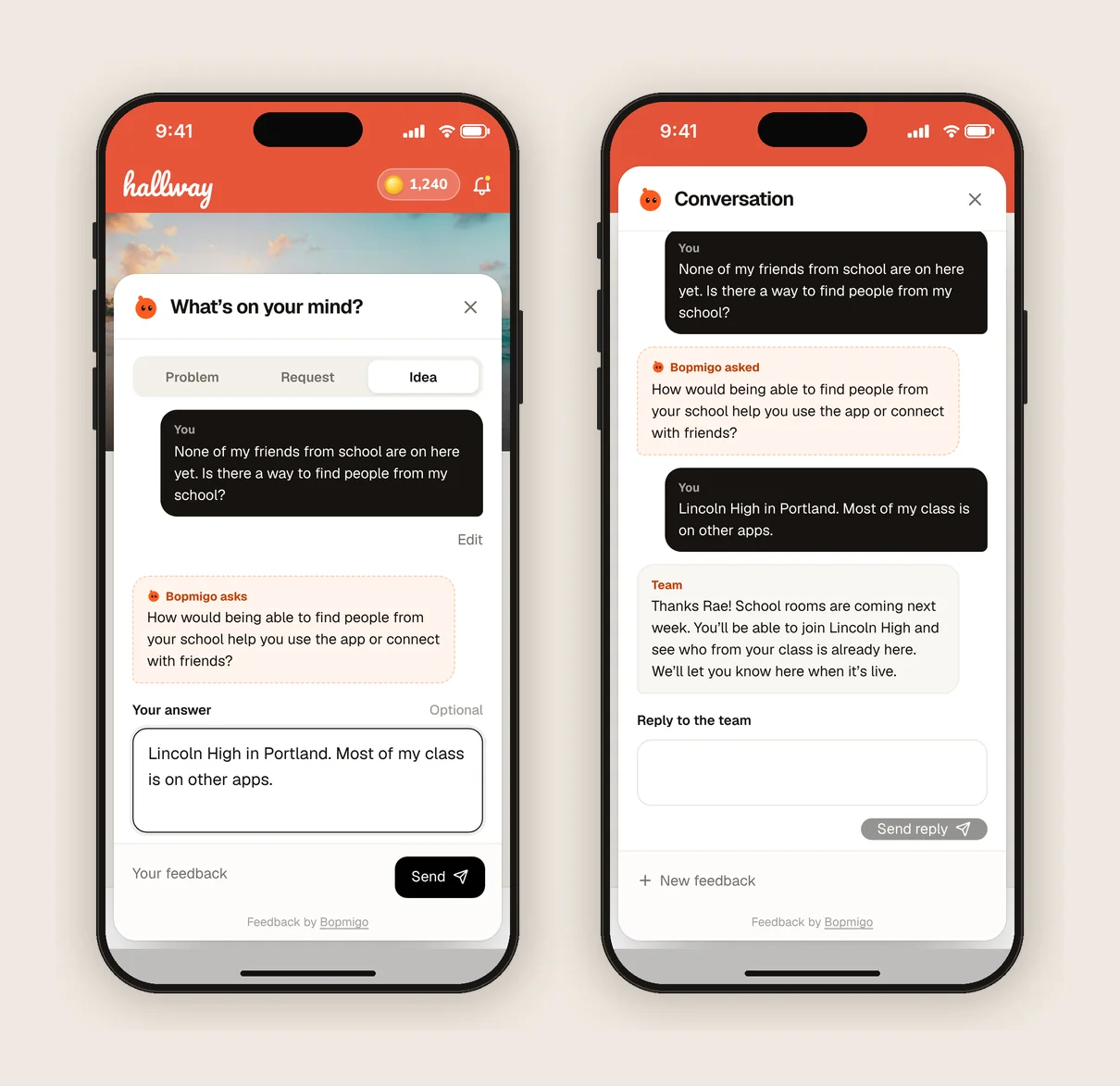
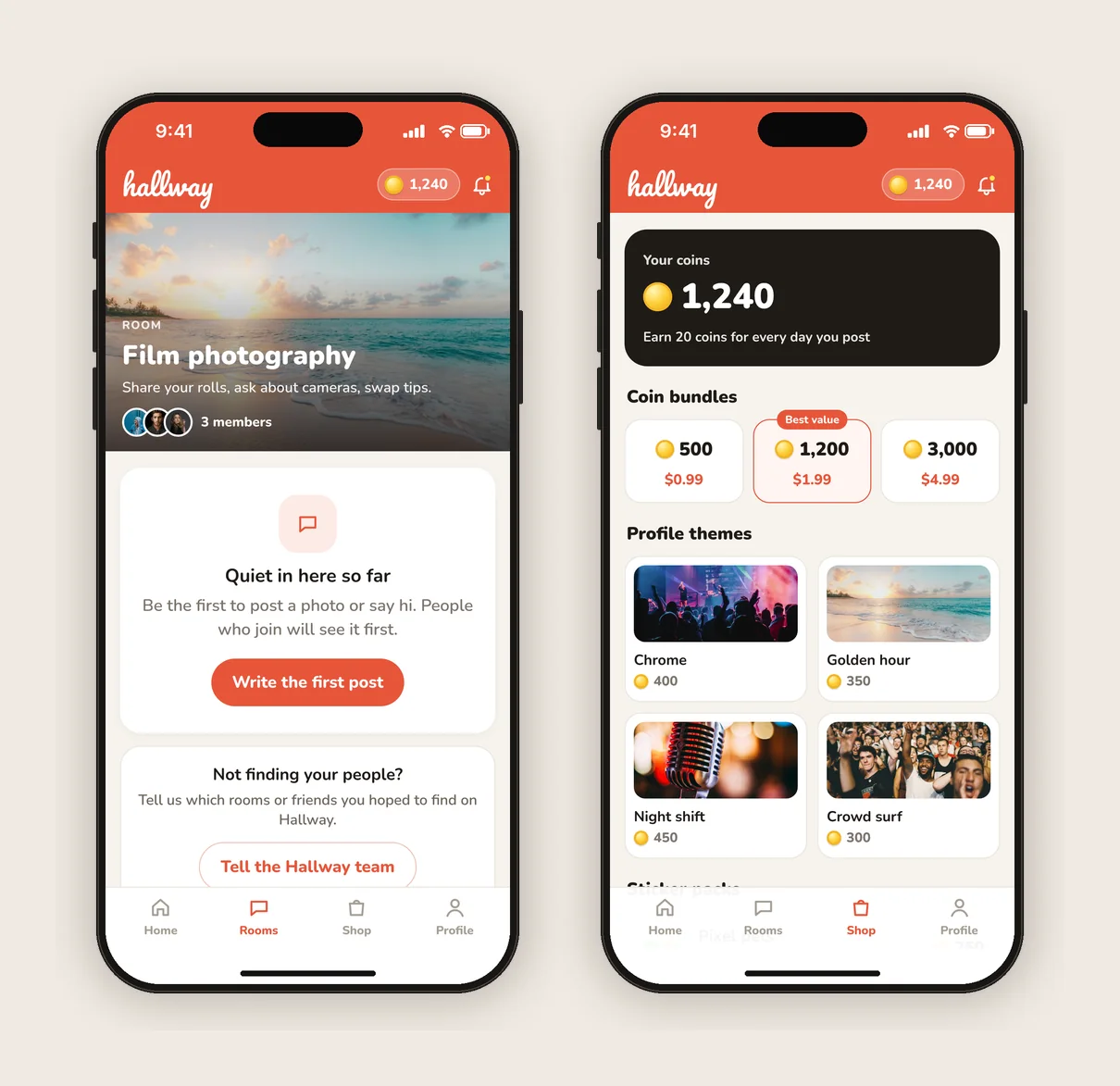
Concentrate people instead of spreading them
Ten thousand users spread across every city and interest is an empty app for each of them. Two thousand users in one city, campus, workplace or hobby is a lively one. Sign-ups from all over the place feel like reach, but for retention, density matters more. Pick the places or communities where you already have the most people and make them feel full before expanding.
- Show new users activity from their own place or interest first, not a global feed.
- Open groups or rooms around the communities already active, and close or merge empty ones.
- Time pushes and events to when your biggest community is awake.
- Ask your most active users where their friends hang out, and start there.
Make sure first posts get a reply
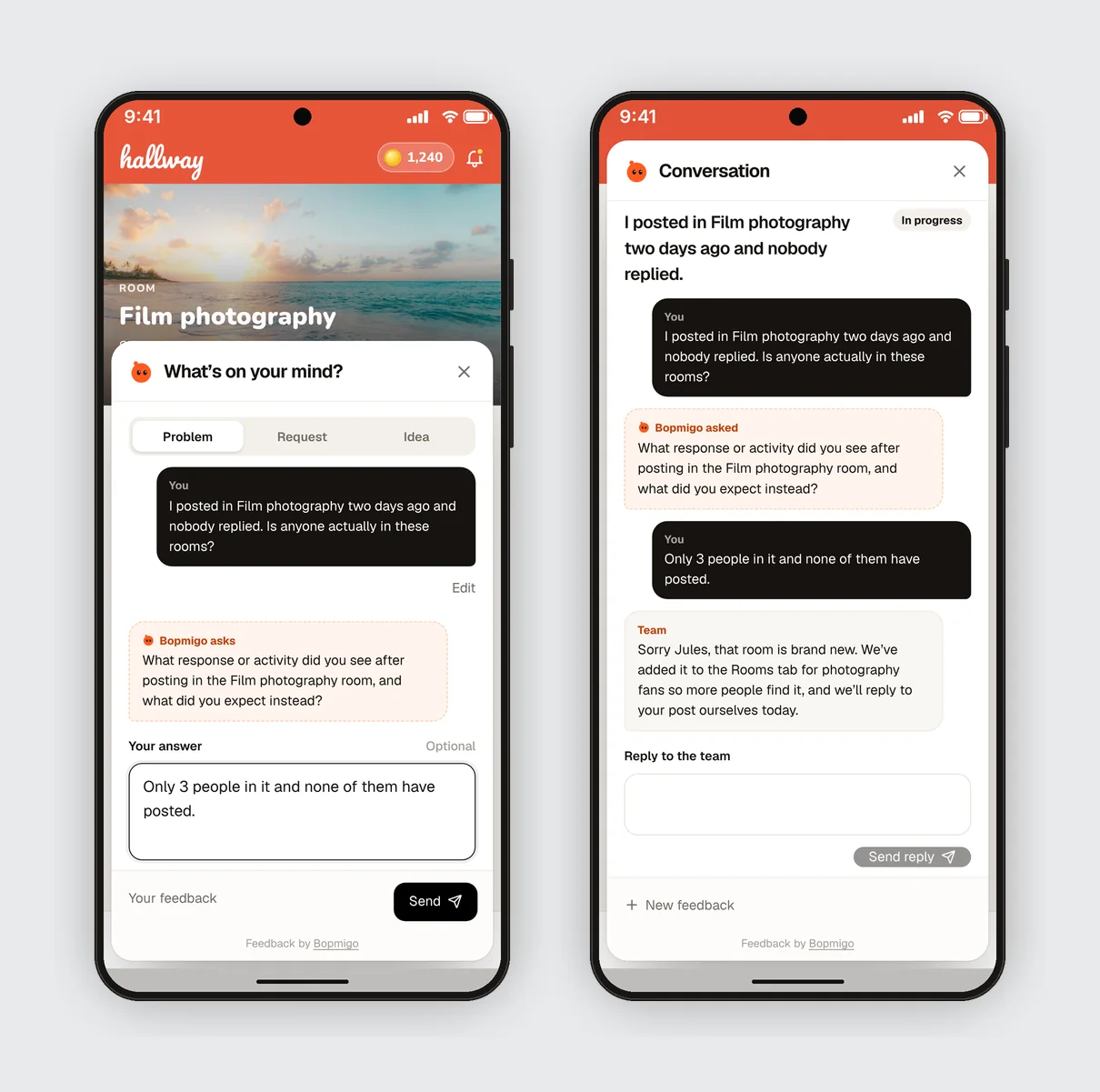
A first post with no reaction is the clearest signal of an empty room. Early on, you can fix this by hand. Read new posts every few hours and reply as the team. Keep the team account clearly labelled, so nobody thinks they are talking to another user. Ask your regulars to welcome new people. Prompt new users to post somewhere people are already active, such as a busy group or a weekly thread, rather than into a profile nobody follows yet.
Measure it: the share of new users who get a reply, reaction or new follower within 24 hours of joining. This number usually tracks Day 7 retention closely, and it is one you can move this week.
Help people bring friends in the first session
- 1
Show value before asking
Let people see something worth sharing first: a group, a post, a profile. An invite screen on launch gets skipped.
- 2
Make the invite personal
A link that opens straight into a chat or group with the inviter beats a generic App Store link.
- 3
Reward both sides
A badge, a perk or an unlocked feature for both people works better than a reward for the inviter alone.
- 4
Follow up on pending invites
When a friend joins, tell the inviter immediately. That notification brings both of them back.
Keep it safe and friendly
In any app where people talk to each other, safety is part of retention. People leave quietly after one unpleasant exchange, and if your users are young, parents step in when they see something they don’t like. Make it easy to block, mute and report from every profile and message. Respond to reports fast, follow the age ratings and rules of each app store, and be clear about who can contact whom. A visible, quick reporting option builds the trust that keeps people posting.
What to ask people who leave
- “What were you hoping to do here?”
- “Did you find anyone you know?”
- “Was anything confusing?”
- “What would make you open it tomorrow?”
Ask inside the app, early, and keep it to a sentence. People who already left won’t read an email from an app they used once. The answers usually split clearly: “my friends aren’t here” points to invites and density, “I didn’t know what to do” points to the first screen.
A first-session checklist for social apps
- A new user sees real, recent activity from people like them within ten seconds.
- There is one obvious first action: follow, join or post.
- Inviting a friend takes two taps and lands them somewhere with the inviter.
- First posts get a response within hours, from the team if needed.
- Notifications start with real events, such as a reply or a friend joining.
- Block, mute and report are easy to find.
- There is a way to tell you what is missing, inside the app.
Common questions
Should the founder talk to every new user?
Early on, yes, as much as you can. Replying to first posts and welcoming people by hand is one of the few things that reliably helps a young social app, as long as the team account is clearly labelled.
Is it fine to fill the app with fake accounts?
No. People notice, app stores and users treat it as deception, and it hides the real problem. Use clearly labelled team accounts, prompts and featured posts instead.
Should I keep pushing the channel that brings sign-ups?
Keep it if it is cheap. Put most of your effort into the first session until more new users stay. Every improvement there makes each new sign-up worth more.
How do I know the room feels full enough?
When most new users get a response within a day, and people who join in your main community stay much longer than those who don’t.
More on this: how to improve Day 7 retention, making money from free users without annoying them, and why users leave without giving feedback.
How Bopmigo helps
Bopmigo puts a short way to say what’s wrong or missing inside your app, on iPhone, Android, Flutter and the web. New users can tell you “none of my friends are here” or “I didn’t get how to post” in a sentence, and you see which answer is most common across everyone who replied. You can answer inside the app, so the person sees that someone is listening.