Why users uninstall apps, and how to find out about yours
The common reasons people delete an app, how to tell which one applies to you, and how to hear from people before they delete it.
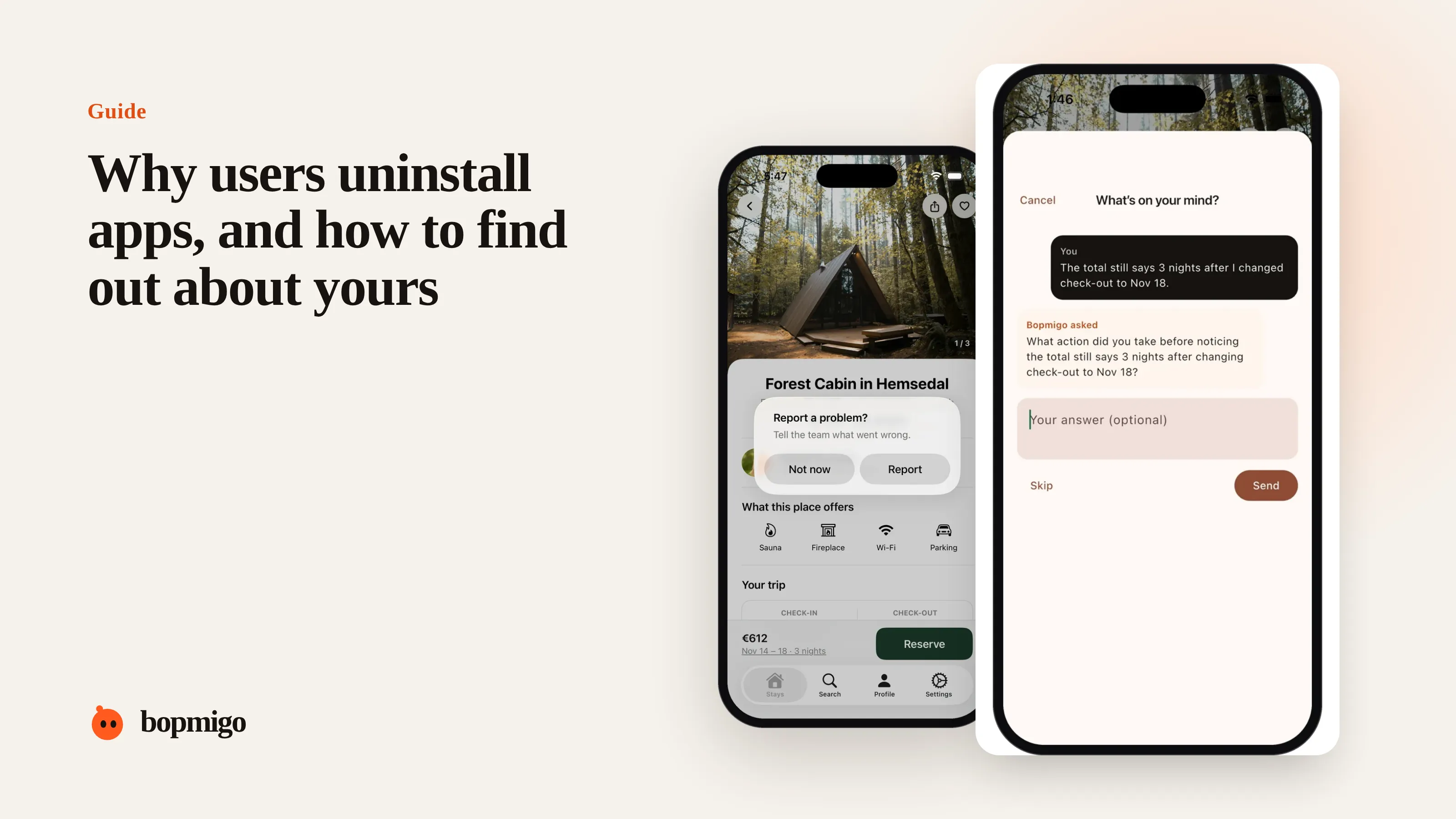
Short answer: people delete apps that crash, ask for too much too soon, don’t show their value quickly, or that they simply stop needing. You can’t ask someone why after they uninstall, so the useful work happens before: watch where people stop, and give them an easy way to tell you what went wrong while the app is still on their phone.
The usual reasons
| Reason | Signs in your data | What to ask while they are still here |
|---|---|---|
| It crashed or froze | Sessions that end suddenly, crash logs | “Something went wrong. What were you doing?” |
| Asked for too much too soon | Drop at sign-up, permissions or paywall | “Anything stopping you from continuing?” |
| Didn’t see the value | One session, no key action | “What were you hoping to do?” |
| Too many notifications | Notification opt-outs before uninstalls | “Are we sending too much?” |
| Found something better | Steady use, then sudden stop | “Is anything missing that you need?” |
| Done with it | Natural end of a task or season | Nothing. That is fine. |
What our review sample suggests
In our sample of recent 1 and 2 star reviews, about 4% said the person was deleting the app or switching to another one, and crashes were the most common complaint at 27%. Most people who uninstall never write a review at all, so the real share is far higher than reviews show. See the full breakdown.
Find your own reason
- 1
Look at where sessions end
Find the screen most people leave from in their first and second sessions. That is your first suspect.
- 2
Ask on that screen
Add a feedback option there with a specific question. Answers in the first week usually point to one or two causes.
- 3
Read crash and error reports together with feedback
Crash logs show what broke. Feedback shows what people were trying to do when it broke.
- 4
Fix the top cause and watch the next cohort
Compare day 1 and day 7 retention for people who installed after the fix with those before.
Reasons you can fix this week
- Move permission requests to the moment they are needed, with a sentence explaining why.
- Let people try the main thing before creating an account.
- Cut notifications to the ones people would miss.
- Fix the crash on the screen most people leave from.
The first session decides most uninstalls
Most uninstalls happen early. Someone downloads the app, opens it once or twice, doesn’t reach the thing they came for, and deletes it the next time they tidy their home screen. The fixes that matter most are in the first two minutes: what you ask for, what you show, and how fast they get a result.
| First-session step | Common mistake | Better |
|---|---|---|
| Opening screen | Three slides of onboarding | Straight to the main screen, or one screen of value |
| Account | Sign-up before anything works | Let them try first, save their work after |
| Permissions | Notifications and location on launch | Ask when the feature needs it, with a reason |
| First result | Empty state with no guidance | A sample or a one-tap first action |
| Paywall | Before any value is shown | After the first success |
Ask the right people the right question
| Who | Question |
|---|---|
| New users in their first session | “What were you hoping to do today?” |
| People who hit an error | “What were you trying to do when this happened?” |
| Long-time users after an update | “Anything worse since the update?” |
| People who turned off notifications | “Too many? Which ones would you keep?” |
What not to do
- Don’t show a survey to everyone on day one. Ask specific people at specific moments.
- Don’t treat every uninstall as a failure. Some people are simply done.
- Don’t chase installs while the first session is leaking. Fix the leak first.
Questions to ask about your own app
- How many people open your app a second time? A third?
- What is the first thing you ask a new user to do, and do they need to do it?
- How many notifications does a new user get in their first week?
- Which screen do most first sessions end on?
- Could a new user describe what your app is for after one minute?
A worked example
A habit app asks for an account, notification permission and a subscription choice before showing anything. Most people leave at the sign-up screen. Moving sign-up after the first habit is created, and asking for notifications when they set their first reminder, lets people see what the app does before deciding. A feedback option on the first screens catches the people who are still confused, in their own words.
Talk to people who stay
People who uninstall are hard to reach. People who stay are easy, and they tell you what almost made them leave. Ask your most active users: “What nearly stopped you in the first week?” Their answers often match the reasons others left.
Can I ask people why they uninstalled?
Not inside the app, because it is gone. If they had an account, a short personal email can work. Better to ask before they leave.
Is a high uninstall rate always bad?
Not for apps people use once for a specific job. Compare with how long a typical user needs the app.
Do push notifications cause uninstalls?
Too many, or irrelevant ones, often do. Ask before sending, and let people choose which ones they get.
A first-session audit you can run today
Install your own app on a phone you don’t normally use, as a new user, and score each step honestly.
| Check | Pass if |
|---|---|
| Time to first useful result | Under two minutes |
| Screens before anything useful | Two or fewer |
| Permissions asked on launch | None, unless the app can’t work without them |
| Account required before trying | No, or it is clearly worth it |
| Notifications in the first 24 hours | One, and it is useful |
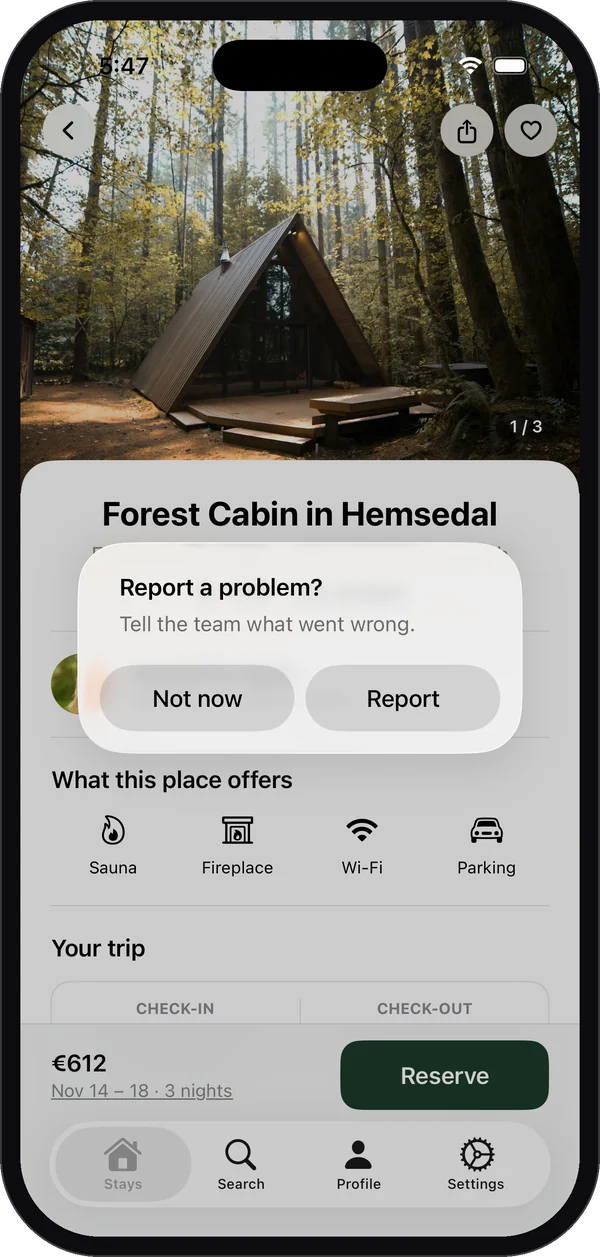
| A visible way to ask for help or report a problem | Yes, from the first screen |
| What the app does, in one sentence on the first screen | Yes |
Every failed check is a likely reason for early uninstalls. Fix the cheapest ones first, then ask new users on those screens whether it got easier.
How Bopmigo helps
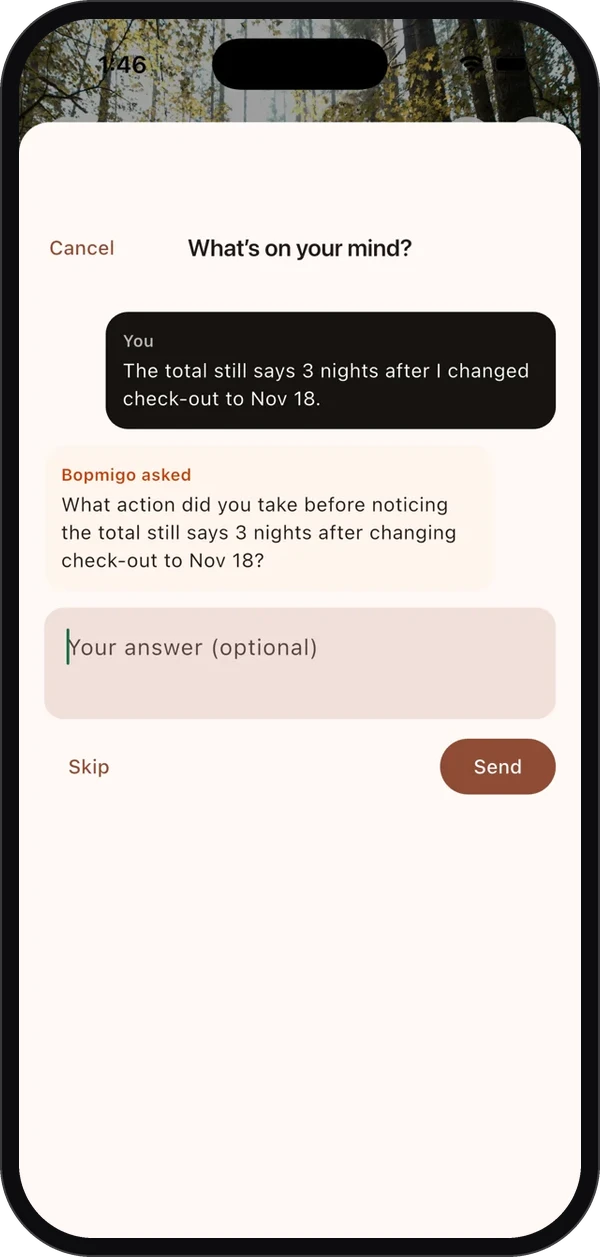
Bopmigo lets people tell you what went wrong from inside your iPhone or Flutter app, in a sentence, with the screen, version and device attached. You hear about the problem while the app is still installed, and your reply reaches them in the app. Day one quitting covers the first session in more depth.