Change or cancel your plan
Move between Pro and Team, switch monthly and yearly billing, cancel, or keep a plan you set to end.
Owners make every plan change from Workspace settings → Plan → Manage billing. Bopmigo shows the result as soon as you return.
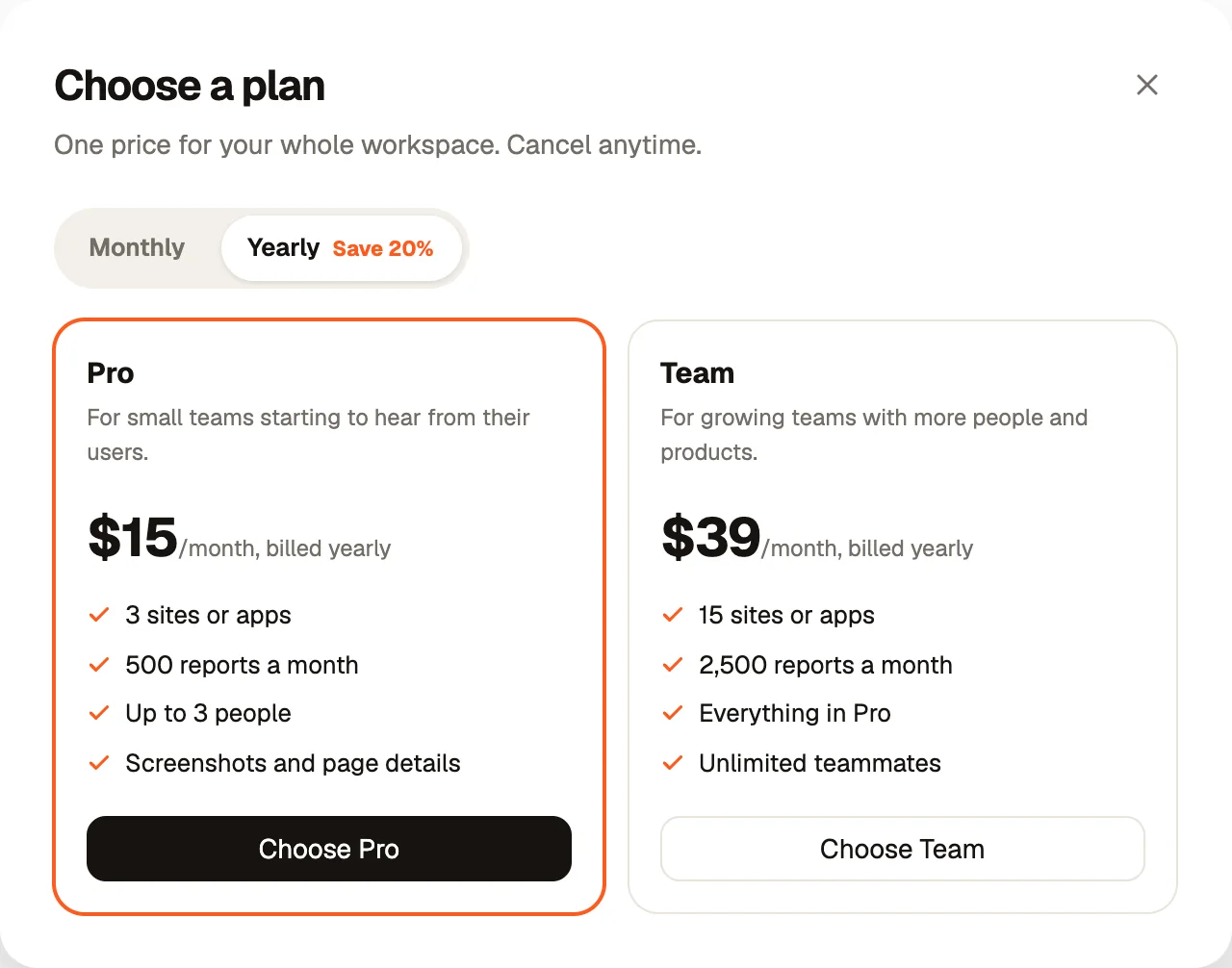
Upgrade from Pro to Team
Upgrading takes effect at once, so you get 15 sites and apps, 2,500 reports a month and unlimited teammates right away. Reports held because you hit the Pro limit are released.
Move from Team to Pro
A downgrade waits until the end of the period you already paid for. The Plan tab says when it switches, and you keep Team until then. Before that date, check that you are within Pro’s limits: 3 sites and apps and up to 3 people.
Switch monthly and yearly
Yearly costs 20% less: $15 instead of $19 for Pro, $39 instead of $49 for Team, per month. Switch from the billing page. The Plan tab shows which you are on.
Cancel
- 1
Open Manage billing
Choose cancel on the billing page and confirm.
- 2
Keep using it until the end
Your plan runs to the end of the period. The inbox shows Your plan ends with the date.
- 3
After that date
The inbox locks. Reports keep arriving and are kept until you choose a plan again.
Changed your mind?
Before the end date, choose Keep my plan in the banner. Billing continues as before and nothing changes for your team.
Business
Need more than Team, invoices, or a custom agreement? Email hello@bopmigo.com about Business, or see the pricing page.
NextDelete your account →