Delete your account
Delete your Bopmigo account, see which workspaces close with it, and restore it within 30 days if you change your mind.
Deleting your account signs you out everywhere and removes you from every workspace. Before anything happens, Bopmigo shows you exactly what goes with it.
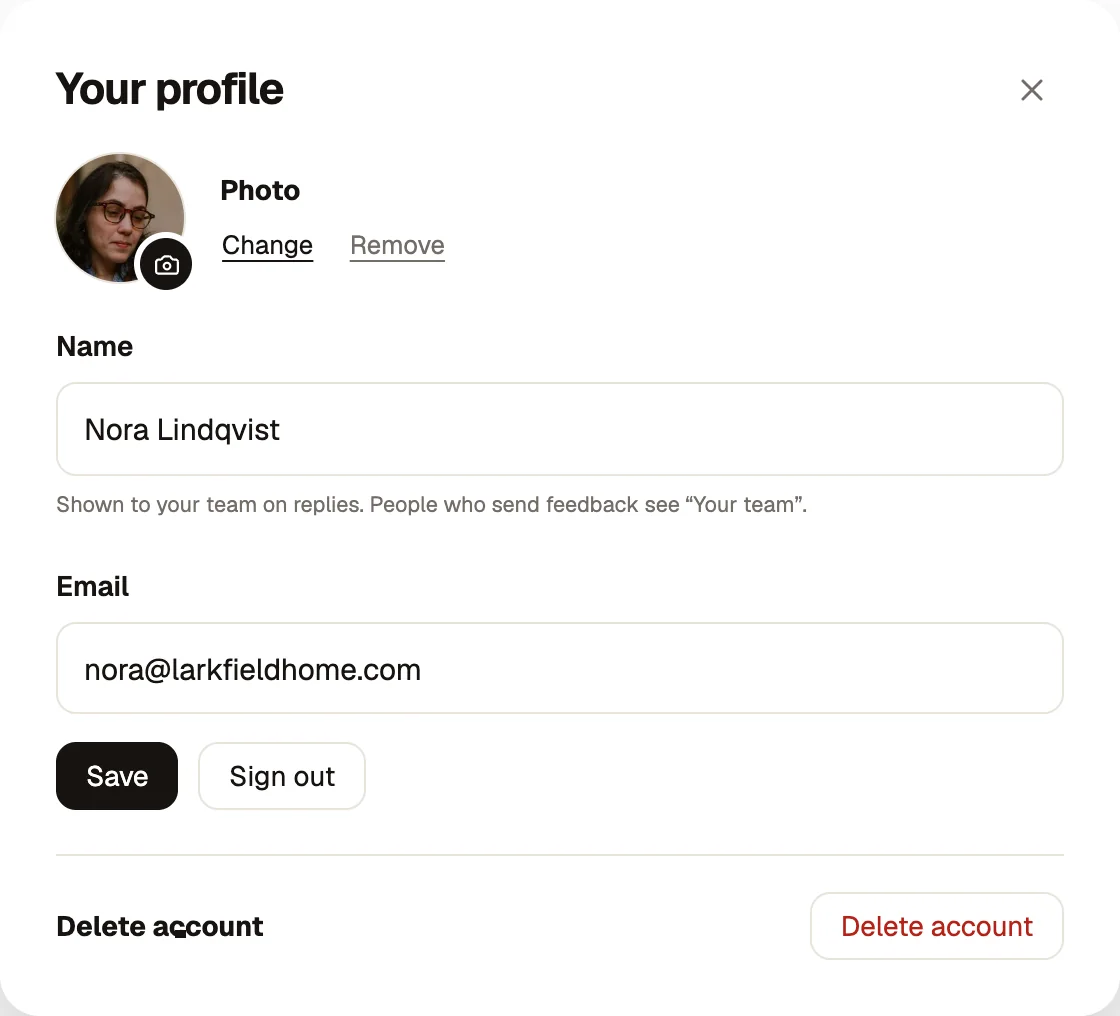
Delete it
- 1
Open Your profile
Select your name at the bottom of the sidebar.
- 2
Choose Delete account
Read what closes with it. Any workspace where you are the only owner closes too, with its sites, apps and reports. If it has a paid plan, the plan is cancelled with no further charges.
- 3
Confirm with your email
Type your email address and choose Delete account.
Keep a workspace open for your team
If teammates still need a workspace, make one of them an owner first in Workspace settings → Team. Then the workspace stays open and you simply leave it. Roles and teammates.
Restore within 30 days
We email you the date it will be deleted. Until then, sign in and choose Restore my account to bring everything back, including any workspace that closed with it. A plan that was cancelled stays cancelled until an owner chooses one again. After that date, your account and those workspaces are erased for good, including reports and screenshots.
Only want to leave one workspace?
You don’t need to delete your account. In Workspace settings → Team, set your own role to Leave workspace. A workspace always needs one owner, so add another owner first if you are the only one.
Delete reports, not the account
To remove feedback without closing anything, delete reports from the inbox. Owners can erase them at once from Recently deleted. Managing feedback.